Send from your Gmail
Connect a Gmail or Google Workspace mailbox and your customer emails leave from your own address instead of Nomora’s. Customers see the address they know, and their replies land in your mailbox.
Connect the mailbox
You need to be an organization admin.
- Open Settings → Emails and find Send from your Gmail.
- Click Connect Gmail and sign in with the address customers should see, for example info@yourcompany.com.
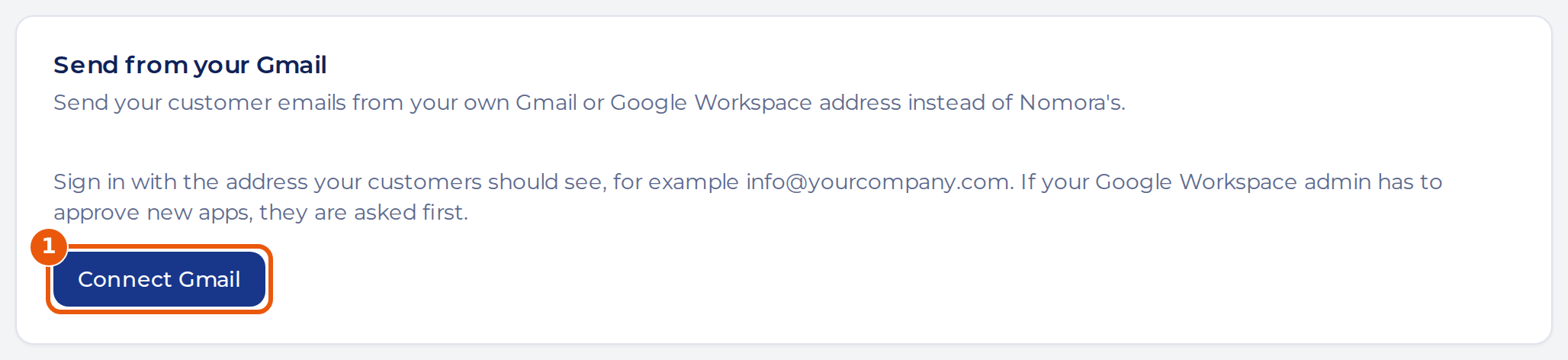
- Allow Nomora to send email for you. If your Google Workspace admin has to approve new apps, they are asked first.
An organization connects one mailbox, and Nomora only gets permission to send. It can’t read your mail.
Turn on sending
Connecting changes nothing until you turn on the switch.
Turn on Send customer emails from this mailbox.
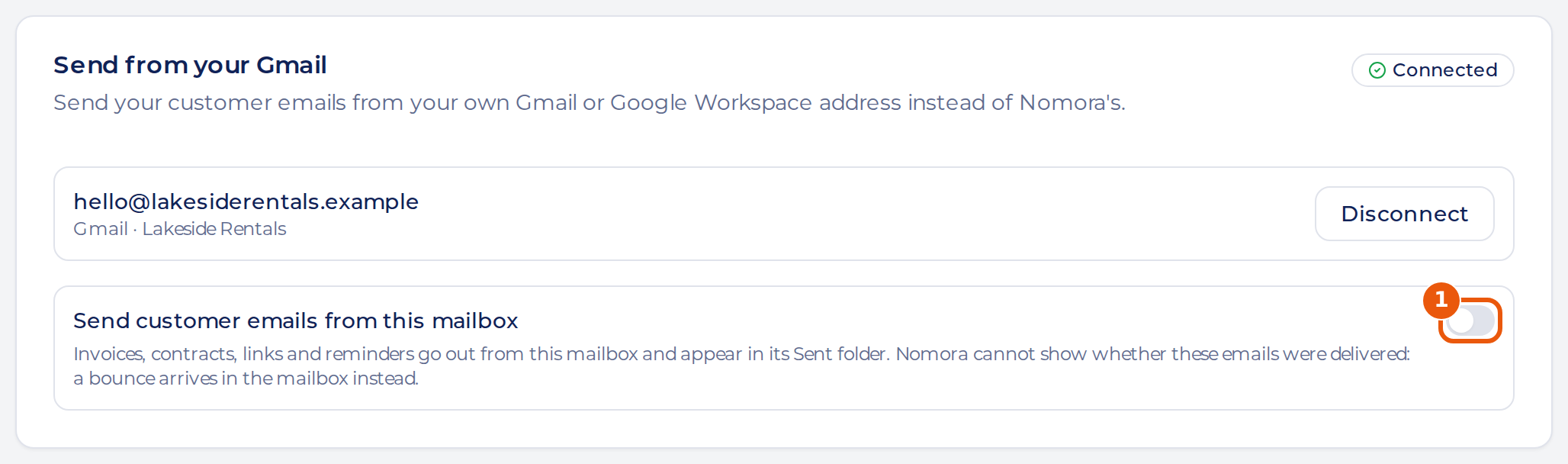
Emails to customers now leave from this mailbox and appear in its Sent folder: invoices, contracts, customer links, payment links, booking request answers, reminders and message rules. Notifications to your own team still come from Nomora.
What changes
| From Nomora | From your Gmail | |
|---|---|---|
| Sender address | A Nomora address with your name | Your address |
| Customer replies | Reach your team’s address | Reach this mailbox |
| Sent copy | None | In the mailbox’s Sent folder |
| Delivery status | Shown in Nomora | Not shown. A bounce arrives in the mailbox |
Gmail allows 2,000 messages a day on Google Workspace and 500 on a personal account, including what your team sends by hand. If the limit is reached, Gmail refuses an email or the mailbox needs reconnecting, the email leaves from Nomora’s address instead. If Gmail times out or has a server error, Nomora doesn’t resend it, because Gmail may already have sent it. Check the mailbox’s Sent folder. Emails use the account’s primary address, not a send-as alias.
Reconnect or disconnect
If you change the mailbox’s password, the card can show Reconnect needed. Click Reconnect and sign in with the same account. Until then, customer emails go out from Nomora’s address.
To stop, click Disconnect. Nothing in the mailbox is deleted, and customer emails go back to Nomora’s address.