Upload your existing contract
Send Nomora the agreement you already use and we turn it into a document template. You do not need to write HTML.
Send the files
- Open Settings → Documents. Find Upload your current contract. If you already have templates, click Upload a contract to open the form.
- Choose or drop your PDF, Word, scan or photo files. Include your terms and handover act if you need those too.
- Add a note about the language, vehicle classes or which file contains which document.
- Click Send contract.
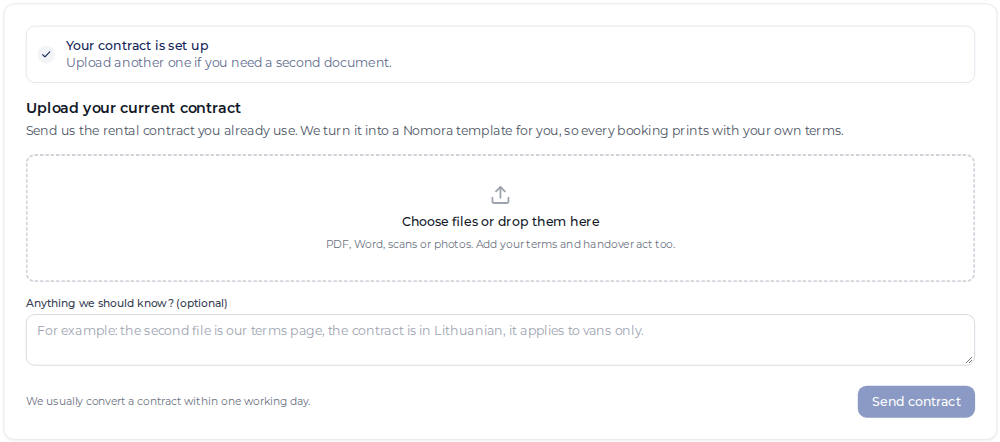
The panel changes to We’re converting your contract. Conversion usually takes one working day. We email you when the draft is ready.
You can also start from the onboarding contract step or Upload your contract on a booking that has no template yet.
Review the draft
Return to Settings → Documents when you receive the email. Check the preview’s wording, layout and the details it should fill from a booking.
- Click Approve contract to make the template active and available for printing from bookings.
- Click Ask for changes, describe what needs changing and click Send. We update the draft and email you again.
After approval, you can upload another agreement or a new version. Existing generated documents are separate from the template.
Continue with document templates for class assignment and field settings, or booking documents to generate and sign a document.